Every shift, with its whole story
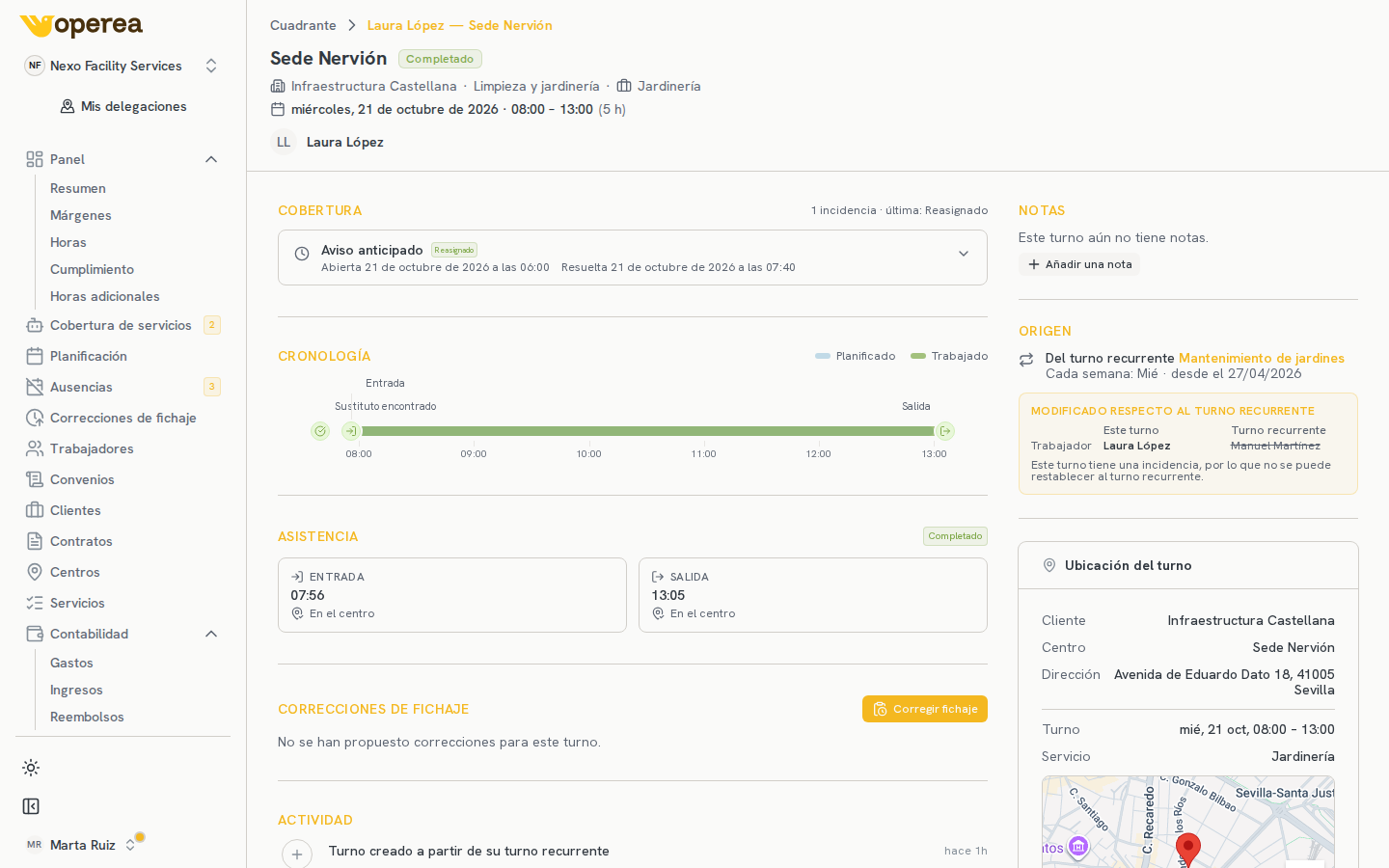
Every shift has its own page, with the timeline of everything that happened to it.
A page per shift
A shift stops being a cell: open its page and read its full timeline.
Clock-ins, incidents and changes
Clock-ins, incidents and every change appear, with who made it.
Also in a side panel
It opens in a side panel without losing the schedule, so you do not leave where you were.
What the image shows
- 1The timelineClock-ins, incidents and changes, in order and with who made them.
- 2AttendanceThe recorded clock-in and clock-out, with their state.
- 3The actionsCorrect the attendance or add a note from the shift itself.